
CRM System Development

/ What is a CRM system and why does a business need it?
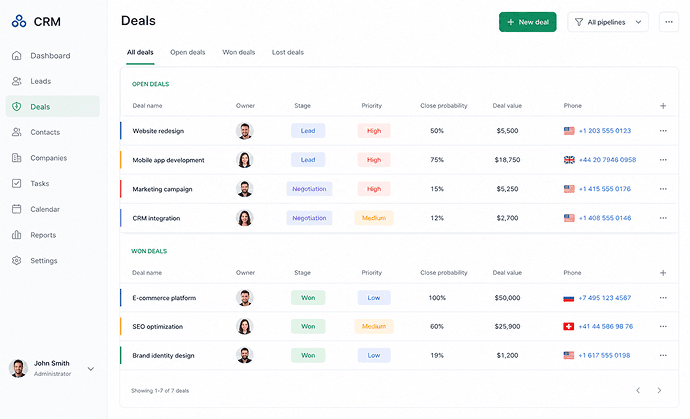
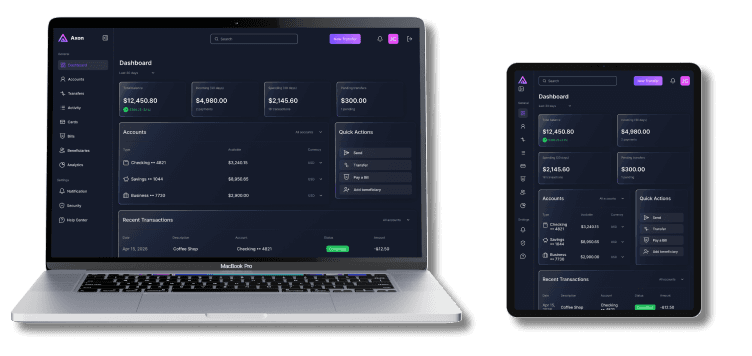
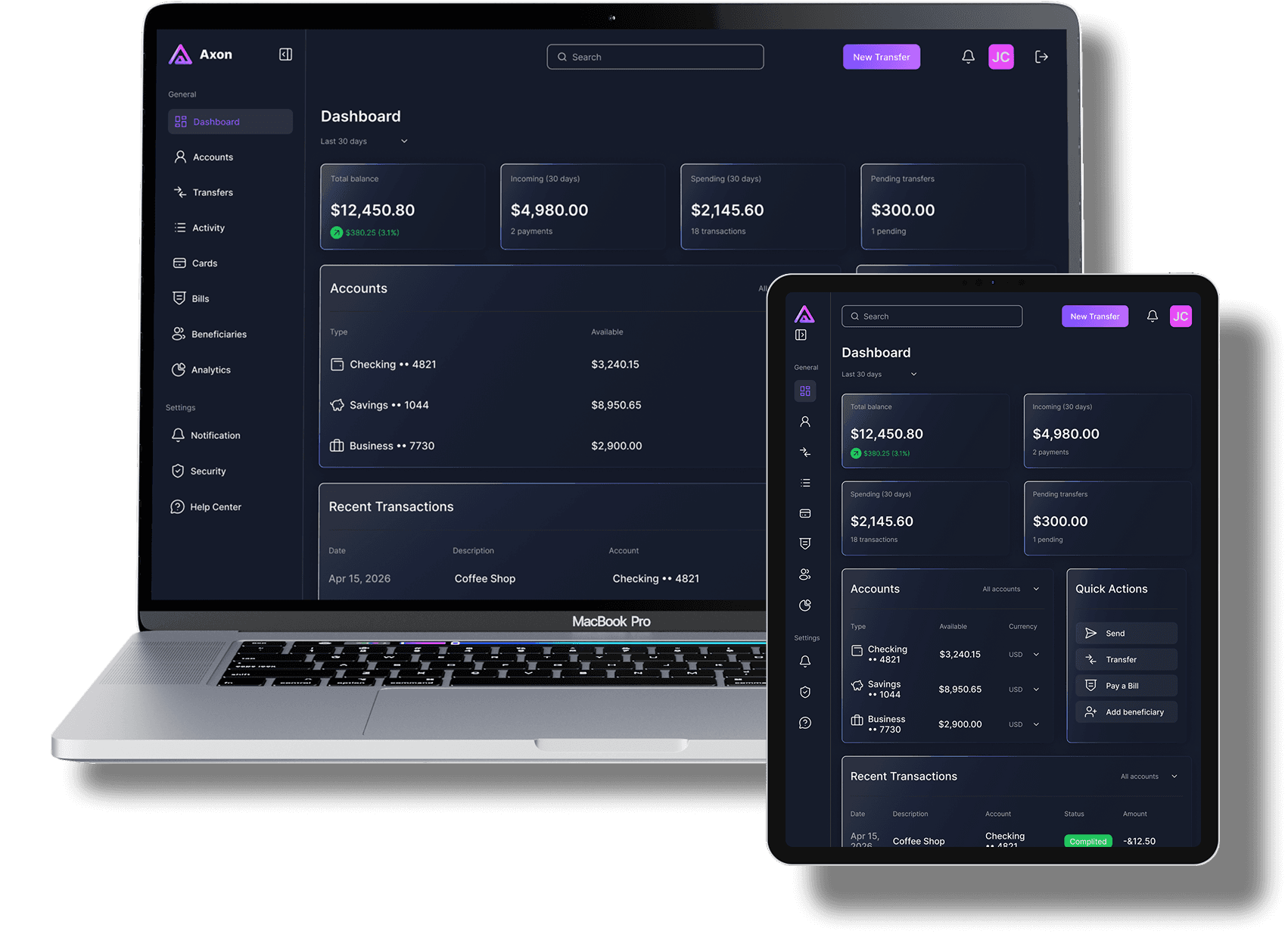
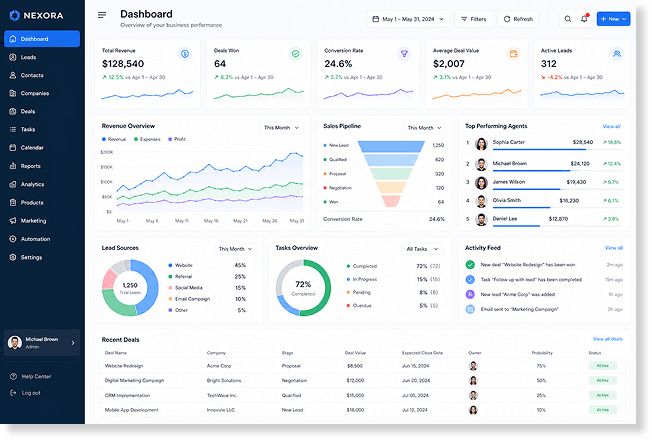
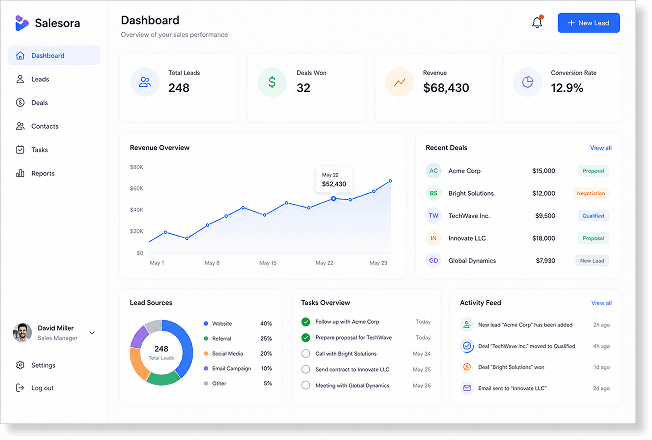
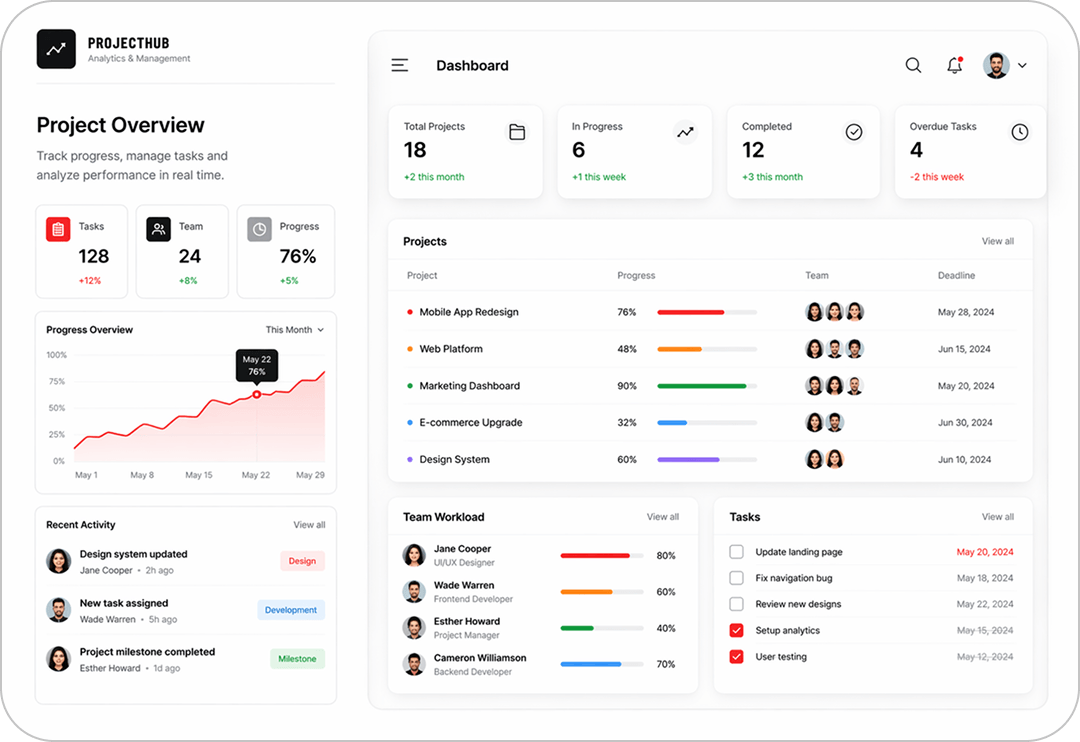
This system becomes a single point of business management: it integrates client interactions, employee tasks, operational processes, and analytics. This allows for the development of a transparent, manageable, and scalable company operating model.
/ Why is it worth developing a custom CRM rather than using ready-made solutions (Bitrix, HubSpot, etc.)?
In practice, this results in companies having to adapt their processes the system's capabilities, rather than vice versa. Some functionality remains unused, and really important tasks are either implemented inconveniently or require complex customization. Over time, this begins to slow down the team's work and reduce business efficiency.
Custom CRM system
- Built around your business model and processes
- System adapts to your business - workflows are natural and efficient
- Reduces unnecessary steps, minimizes manual work, speeds up task execution
- Clear and intuitive interface, lower error rate, faster onboarding for employees
- Fully customizable - adapts to changing business needs
- Designed to grow with the business
- Can integrate any required service
- Lower long-term costs due to efficiency
- Built-in automation aligned with workflows
- Acts as a business tool
Off-the-shelf CRM System
- Built as a generic solution
- Business adapts to the system
- Includes redundant actions, requires manual operations, slows down daily workflows
- Overloaded with unused features, confusing flows, higher risk of mistakes
- Limited by platform architecture - hard to adjust without compromises
- Growth leads to system limitations
- Limited to predefined integrations
- Increasing expenses for: customization; integrations; overcoming limitations
- Partial or rigid automation - requires manual work in critical steps
- Acts as a support tool
/ Where does CRM system development begin?
List of mandatory steps for creating a CRM system:
- Analysis of business needs at the current moment and in the long term
- Selecting technologies with scalability prospects
- Development and testing
- Integrations with payment systems, external services, e-commerce platforms, etc.
- Comprehensive implementation and staff training
- Support, updating and expansion of the system
/ How does CRM work from a technical point of view?
The client side uses modern technologies, including:



For the server part we use:


The following data storage systems are used:

/ What tasks does CRM solve in business?
It can help centralize teamwork, streamline communication between departments, reduce errors, and increase process transparency. As a result, the business gains a more manageable and efficient operating model.
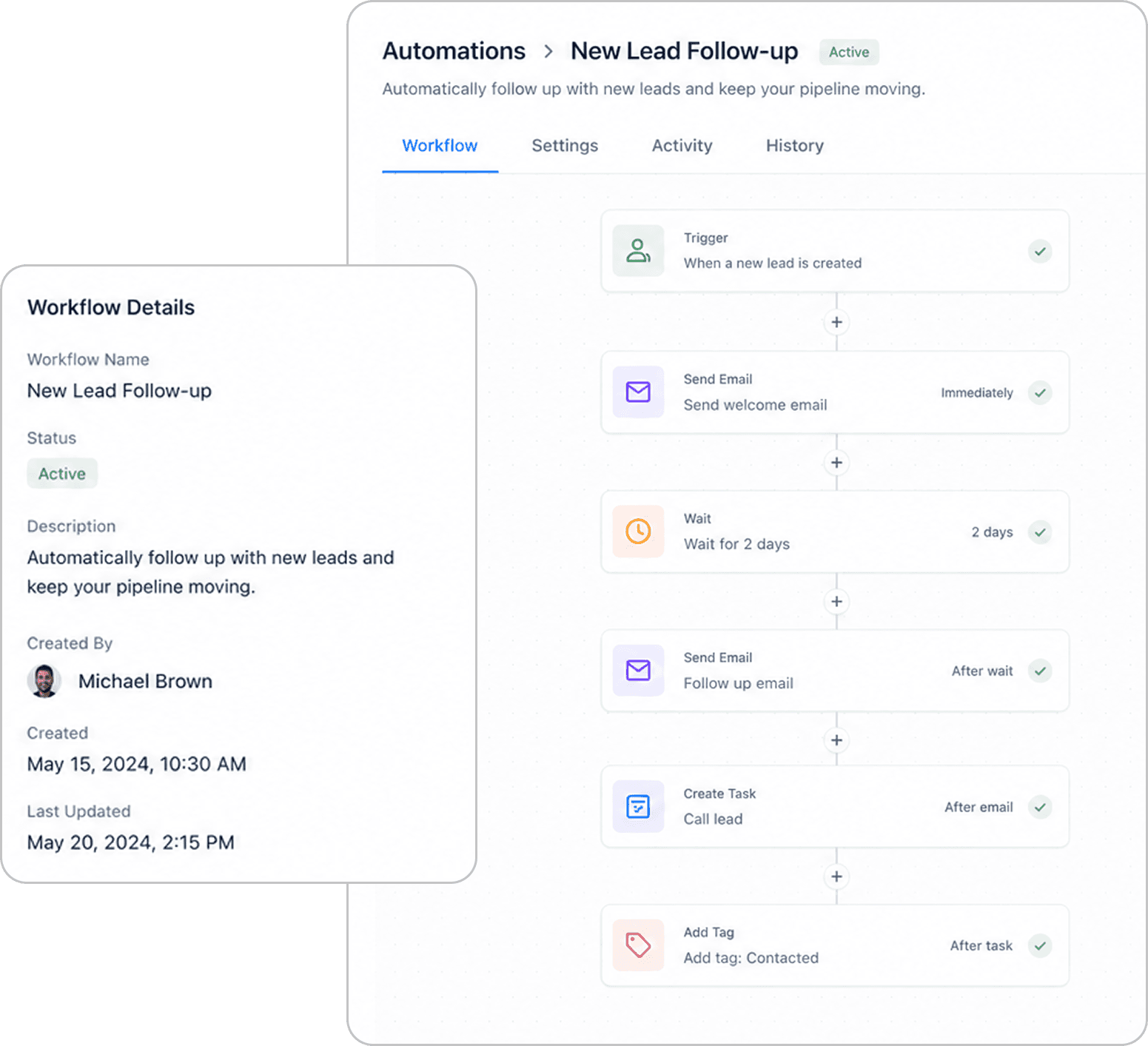
Automation of routine processes
The system can automatically create tasks, send emails, reminders, update statuses, and generate documents. This reduces manual workload for the team.
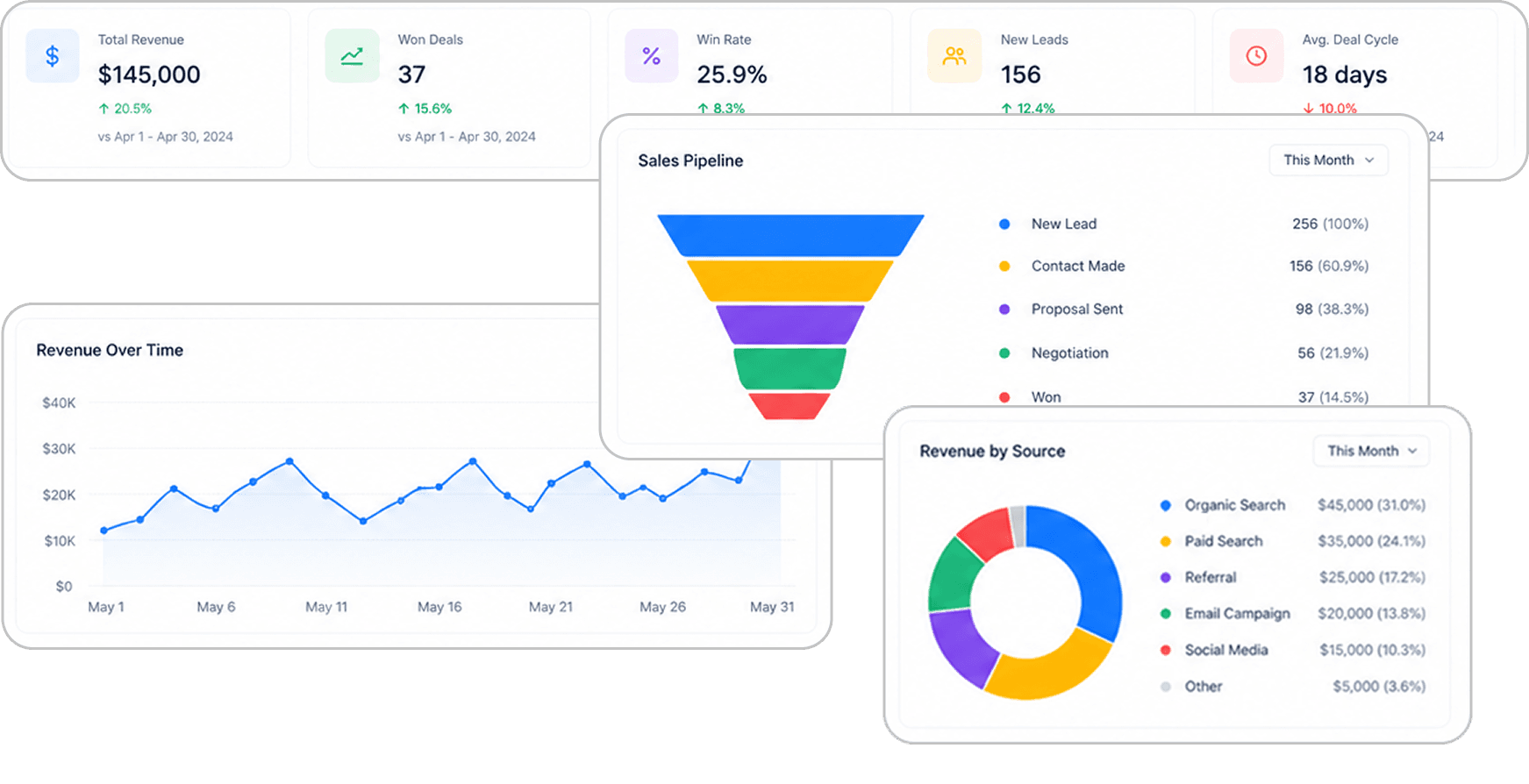
Make informed decisions using analytical data
CRM collects statistics on sales, clients, managers, and acquisition channels. The manager receives clear analytics to make decisions based on numbers, not assumptions.
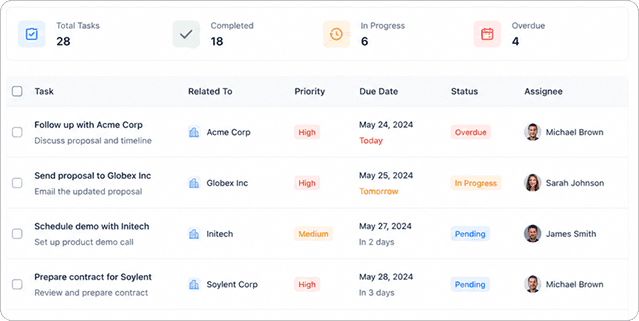
Task management
CRM helps control all tasks in one place: tracking statuses, deadlines, priorities, and responsible employees. This reduces delays, improves team discipline, and speeds up work completion.
Increase sales by optimising processes
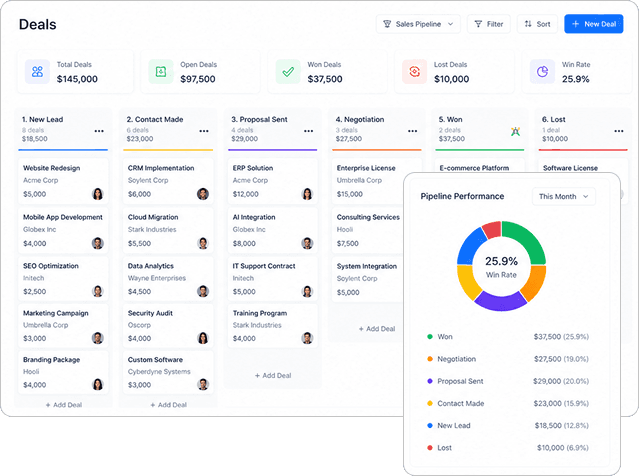
CRM helps monitor the sales funnel, avoid losing leads, and automate deal stages. Managers work faster and more efficiently, and conversion rates grow.
/ Is it possible to integrate CRM with other systems?
These may include payment systems, communication services, analytical tools, web and mobile applications, and other systems used in business.
/ How is CRM system security ensured?
We implement access rights management, data protection, secure API access, and user activity monitoring. This ensures system stability and reliable information protection even under high loads.
01/Access Control
Role-based permissions ensure that each user only sees and manages the data they are allowed to access.
02/Data Encryption
Sensitive CRM data is encrypted and securely stored to protect business and customer information.
03/Audit Logs
All user actions are tracked, making it easy to monitor changes, logins and system activity.
04/Secure API
Protected API connections keep integrations safe through tokens, authentication and access limits.
/ How does the CRM development process work?
We use flexible development methodologies, such as Agile and Scrum, which allows us to adapt the system to business changes and gradually evolve the product.
/ What result do you get?
- 01
A full-fledged CRM platform
Not just a separate system, but a unified business management tool tailored to your processes and tasks.
- 02
Automation of team work
Reduce manual workload, speed up operations and improve employee efficiency.
- 03
Key performance indicators monitoring
Transparent analytics on sales, tasks, team performance, and business metrics.
- 04
Scalable system
CRM evolves with your company: new features, roles, departments, and processes can be added without restrictions.
- 05
An efficient operating model
Streamlined processes, fewer errors, faster decision-making, and stable business growth.